I used to enjoy the Quicken personal finance software. I started using it in the 1990’s on a Windows 95 computer, and I remember the excitement of managing finances digitally for the first time. As the years progressed, I upgraded my Quicken software multiple times to keep up with the latest features and improvements. However, the program expanded in size and complexity, incorporating features that many users, including myself, found unnecessary. This bloat became increasingly frustrating. I routinely entered my checking account transactions into Quicken, and occasionally ran reports to analyze our spending habits. I initially appreciated the automated bank transaction download feature, however, I faced persistent issues with the feature not functioning properly, leading to frustration. To add insult to injury, my bank began charging a monthly fee for this service. I tolerated this for a while, but it eventually became unbearable and made me reconsider my approach to personal finance management.
My Breaking Point – I Left Quicken and Made a Spreadsheet
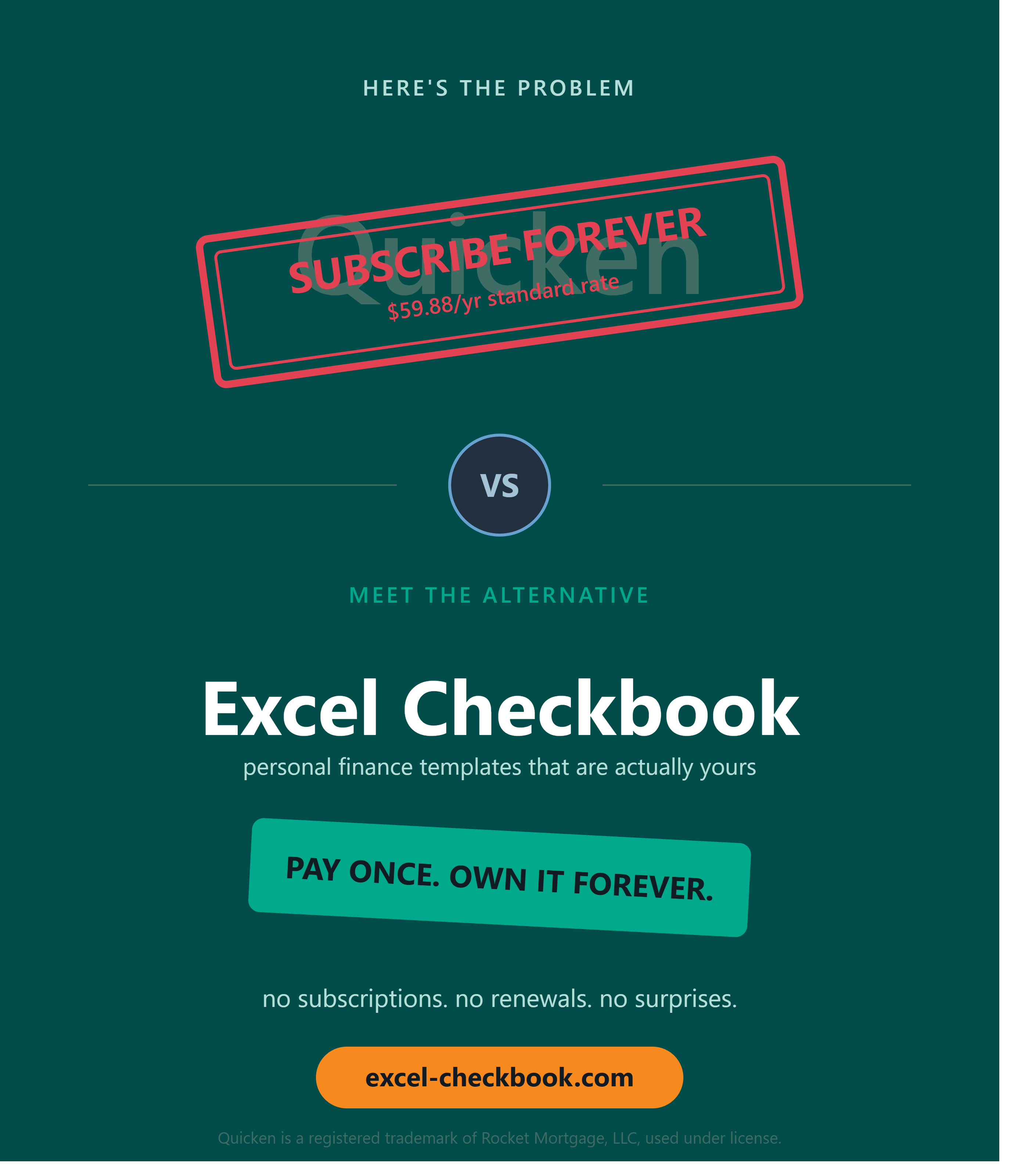
I reached a breaking point with Quicken due to the constant nags to upgrade and their shift to an annual subscription model that felt excessive. This prompted me to consider alternatives. I thought a basic spreadsheet to manage my personal finances would likely be sufficient. My primary goal was to track where my money was going and to forecast my future expenses accurately. I searched Google for checkbook register templates and I found lots of options, but most were poorly designed or lacked essential features. Frustrated, I decided to create my own checkbook register from scratch. I tailored it to meet my specific needs, ensuring that it was user-friendly and effective. After using it for a few years and refining its features based on my evolving needs, I began to share it with friends and family at no cost. They found it beneficial, which motivated me to enhance my checkbook register further. As I continued to improve it, I realized it had the potential to be a valuable product for a wider audience. In early 2024, I launched this website to offer my checkbook register to others, ensuring that it was available at a reasonable price, along with free email support for users seeking assistance with their financial management.
Why Microsoft Excel?
I’ve been a fan of spreadsheet programs for a very long time. Microsoft Excel continues to be one of the most valuable software programs ever written for the personal computer. It’s incredibly versatile. Learning to use Microsoft Excel can be very rewarding for both personal and business use cases.
Check out the current version of the Excel Checkbook spreadsheet here. This tool is designed to simplify personal finance tracking and to give users complete control over their financial data. The spreadsheet is versatile, allowing for customization, which means users can modify categories, add new income sources, and forecast for future expenses while also analyzing current debt obligations. Using this checkbook spreadsheet, users can easily monitor their expenses over time, identify spending patterns, and adjust their budgets accordingly. I believe that managing finances should be accessible to everyone, and this checkbook spreadsheet is a step towards demystifying financial tracking for individuals and families alike.
In addition to basic tracking capabilities, the spreadsheet includes features for setting financial goals. For example, users can allocate funds towards savings, debt repayment, or even future investments. Furthermore, the checkbook spreadsheet allows for easy reconciliation of bank statements, helping users identify discrepancies and stay organized. With the spreadsheet, I aim to empower users to take charge of their finances rather than relying solely on software packages that may not align with their specific needs.
Discover more from Excel Checkbook
Subscribe to get the latest posts sent to your email.